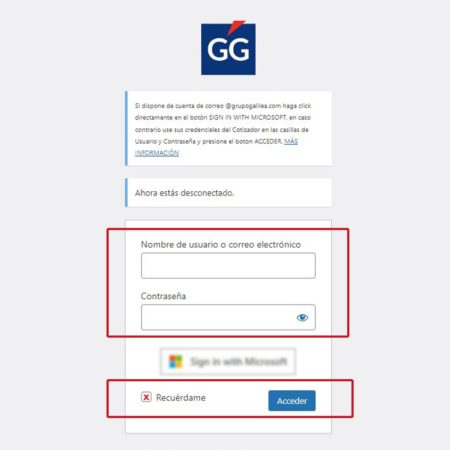
If you are an employee and/or you have @grupogalilea.com e-mail address
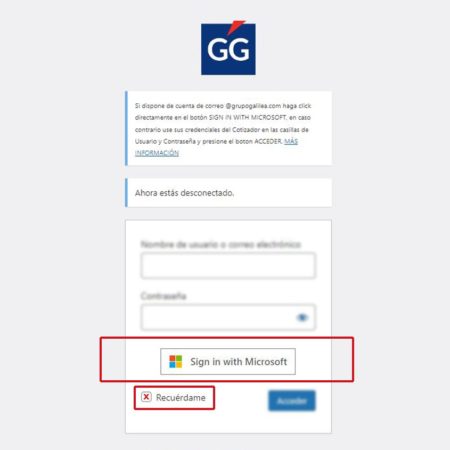
To facilitate access and centralize your passwords you can use the MICROSOFT login using your email credentials from your corporate @grupogalilea.com account. When you change your email password it will automatically be changed in the web portal.
Simply click on the SIGN IN WITH MICROSOFT button and you will be taken to the Microsoft validation page where you will have to enter your email and password.
It is advisable to check the box REMEMBER ME.