

APP GGClient 17

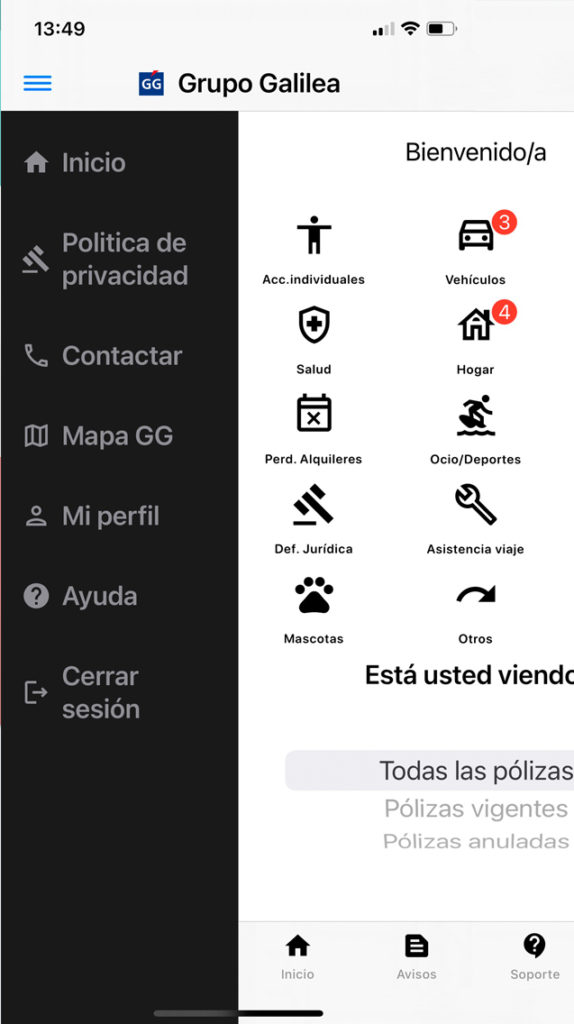
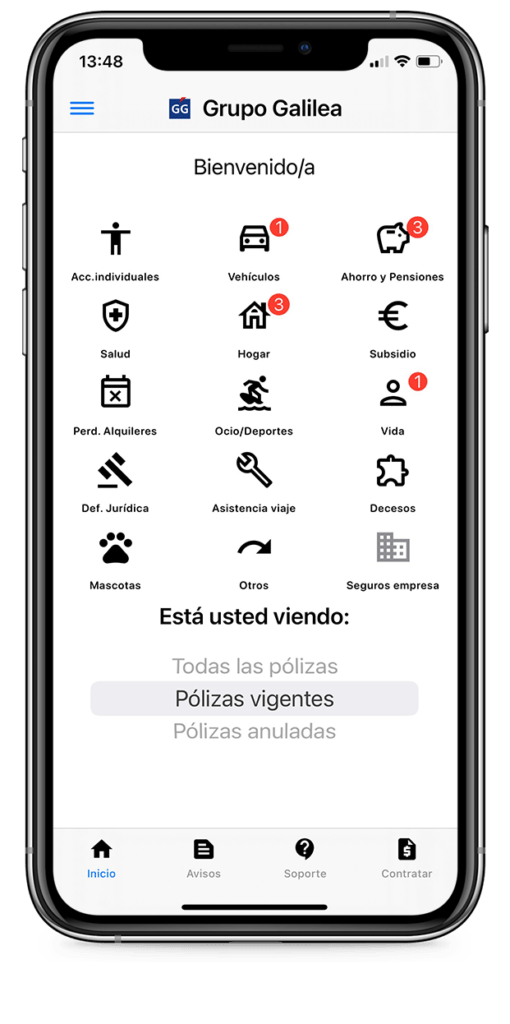
With the GG Client APP, access your policies with a single click.

Download our APP and you will be able to access in real time to all your policies contracted as a private customer of Grupo Galilea.

DOWNLOAD IT HERE!

Consult your policies and access to documentation

Do you want to contact your executive?

  • Stay in constant contact with your executive or coordinator through our GGClient APP. 
  • Ask your coordinator which documents you wish to have in your APP
  • Report any erroneous data so that they can be updated in your profile.
  • Request information on new policies
  • You have an emergency, use the SUPPORT tab to locate the emergency services phone number.
  • From AVISOS you can access any of our communication channels (web, social networks, BLOG, News ...).
  • Don't waste time searching through emails and paperwork to access your insurance.
APP GGClient 20
APP GGClient 21

Locate your nearest office

Galilea Group always close to you

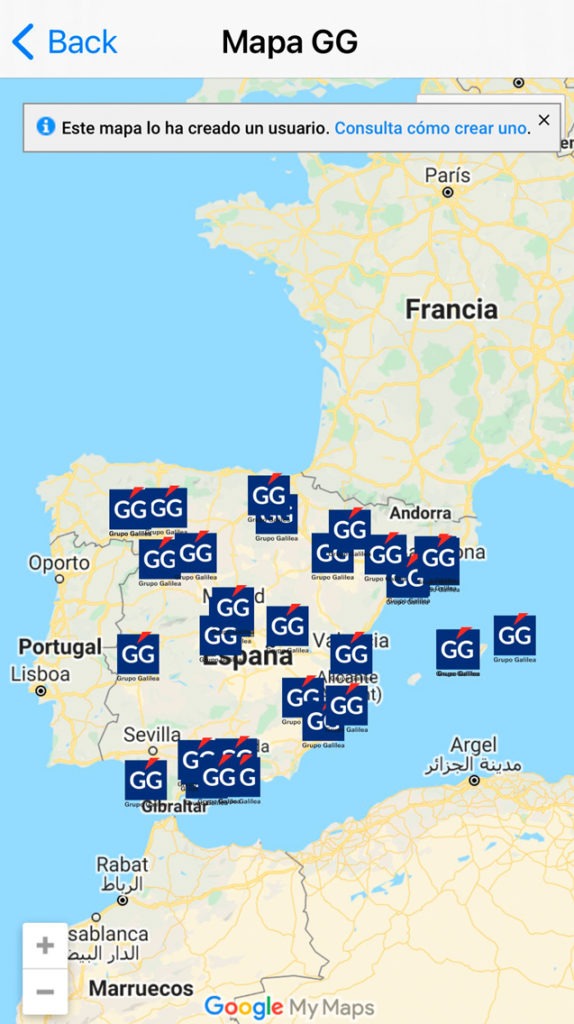
You will always have an office close to you. Our statewide commercial network guarantees you a personalized service wherever you are. Locate your nearest office in MAP GG, and if you want to call us or send us an email, find the contact information in CONTACT.

Frequently Asked Questions

Do you have a problem with the APP?

If the APP does not recognize your DNI/CIF verify that you have written it without hyphens or separations between the digits and that you have not forgotten the letters (in upper or lower case). If it still does not recognize it, send an e_mail to comunicaciones@grupogalilea.com indicating your NIF/NIE and we will activate your account.
If it does not show you an email it is because we do not have your email in your client file. To activate your account with a specific e_mail send an email to comunicaciones@grupogalilea.com and in 24h you will have your account enabled.

Si es la primera vez que accede debe usted generar la primera contraseña. Debajo de la casilla de password verá un texto que indica «¿Es la primera vez que accede o ha olvidado su contraseña?» que le permitirá solicitar que le manden un mail para generar o cambiar su contraseña si la olvida.

When I enter my NIF/NIE the APP does not recognize it.
If the APP does not recognize your DNI/CIF, verify that you have written it without hyphens or separations between the digits and that you have not forgotten the letters (either in upper or lower case). case either in upper or lower case). If it still does not recognize it, send an e_mail to
comunicaciones@grupogalilea.com indicating your NIF/NIE and we will activate your account.

To generate a new password, proceed as if you were generating it for the first time (point 3 FAQ).

By default all the documents in your policy details are empty, you must request this from your coordinator by sending an email specifying which documents.

In the policy details, you will see an icon like this: APP GGClient 22Click on it to display the contact information.

Contact your coordinator to request that your data be reviewed and corrected.

If you need more information you can download the USER MANUAL from this link: Download User Manual

Totally free of charge

An exclusive APP for being a customer of Grupo Galilea

Continuously updated

Stay connected with Grupo Galilea, our APP will continue to grow and offer you new services and features to make managing your insurance easier and more effective.

43

Offices in Spain

The most extensive commercial network of private insurance brokers in the country.

120000

Customers

More than 120,000 customers trust us, do you want to be one of them?

23000

Claims

More than 23,000 claims handled annually. Always by your side managing your risks.

Join our community

Get to know us!

More than 120,000 customers already trust us.